Download Orchestra

Local by default. Sessions and memories stay on your computer, with no account.

The Desktop App

On Mac and Linux it sets up Orchestra Local for you, so you never need a terminal.

Download for MacmacOS 13 or newer.

The CLI

One self-contained executable for macOS, Linux and Windows inside WSL2. Open get.orchestrahq.ai in a browser to read exactly what runs.

curl -fsSL https://get.orchestrahq.ai | sh

Then run orchestra enable in a repository.

Read the docs What the CLI installsWhat the app sets up

Your Agents, One Place

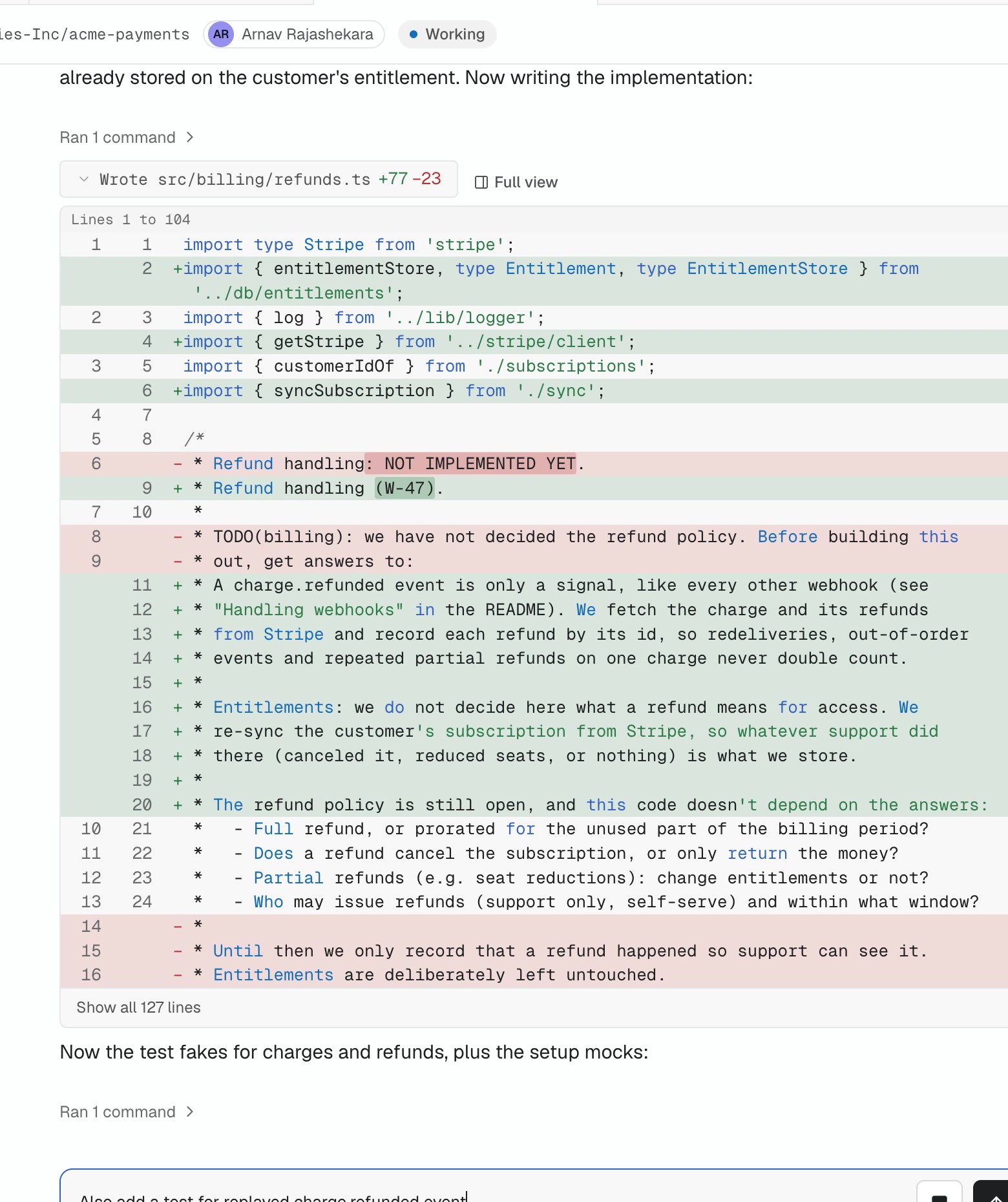
A live session in the Mac app: the agent's diff, and a teammate's message to it in the box below.
The desktop app: every session, with the agent's diff as it works
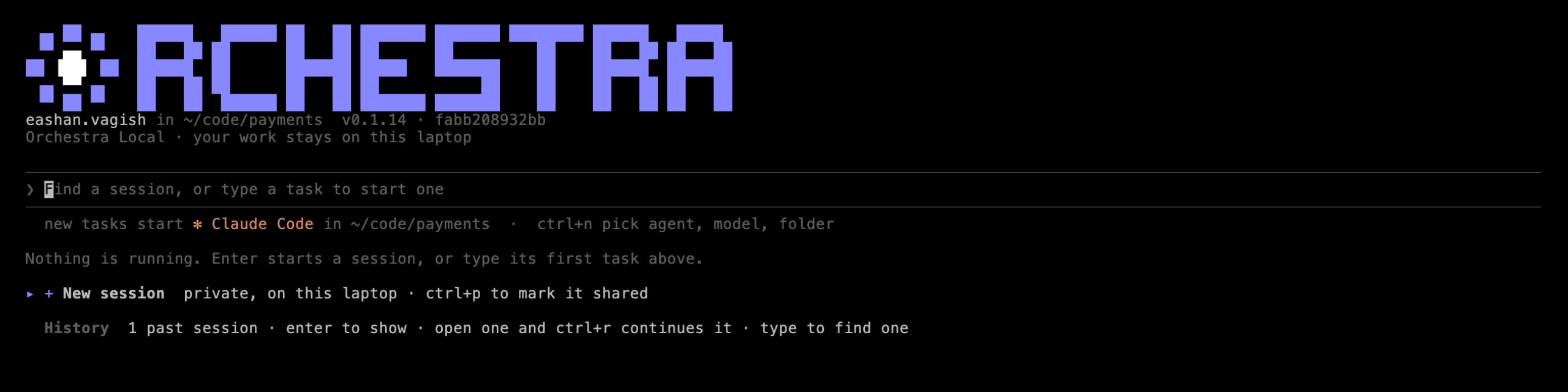
The orchestra terminal app on Orchestra Local: start a task or find any session on this laptop.
The CLI: start any agent or find any session from your terminal
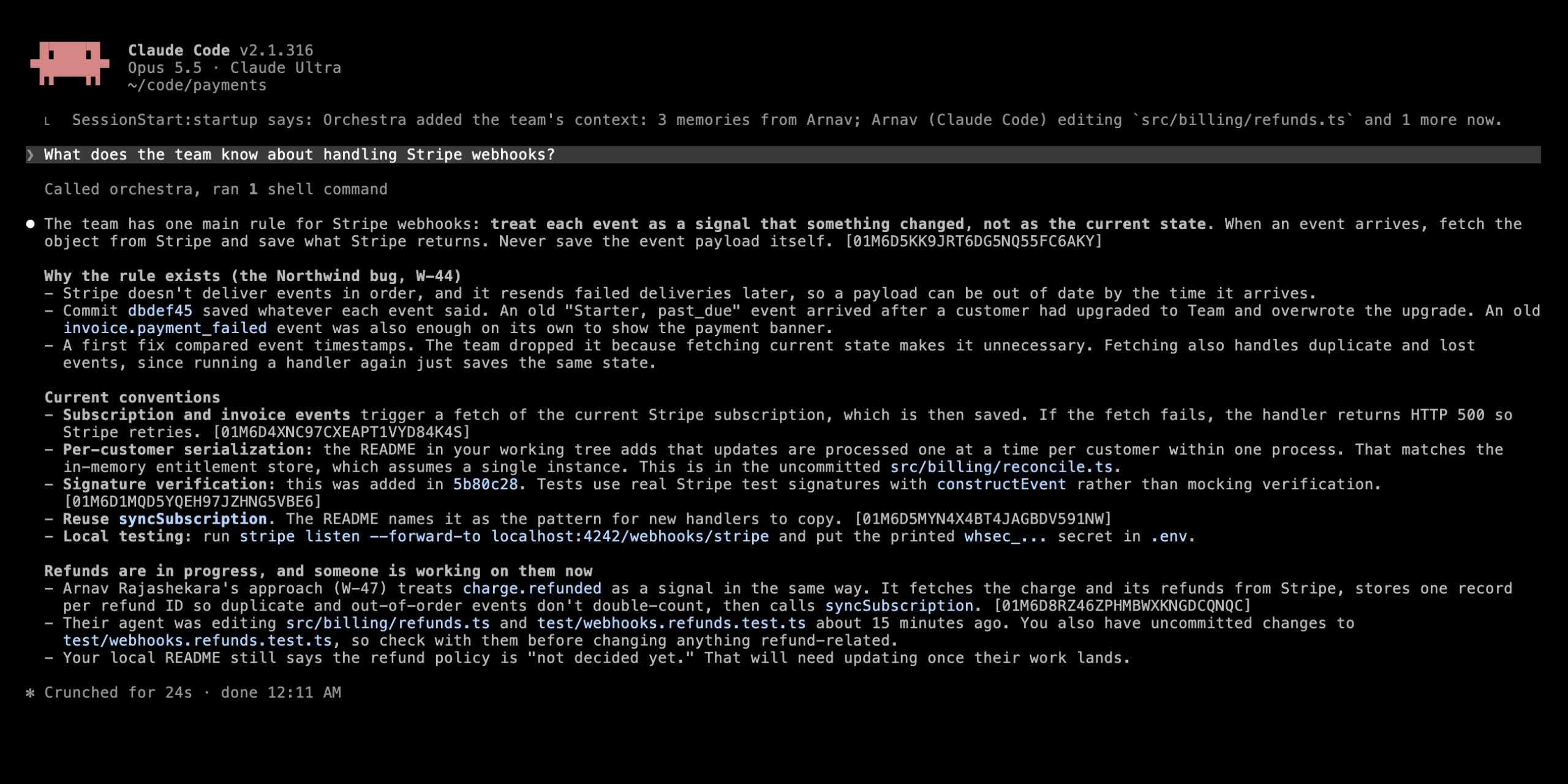
Claude Code in a terminal on a demo repository, starting with a line from Orchestra: the team's context, 3 memories from Arnav. Asked what the team knows about Stripe webhooks, it answers with the rule, why it exists and who is working on refunds, each point citing an event.
Your agents start with what the team knows
Orchestra

Start on Your Machine Today

Download the app or install the CLI. Local by default, with no account.